
How to Identify a Fake P999 Website or APK
A copied website can look professional while collecting passwords, OTPs, identity documents or payments. Here is what to check before trusting one.
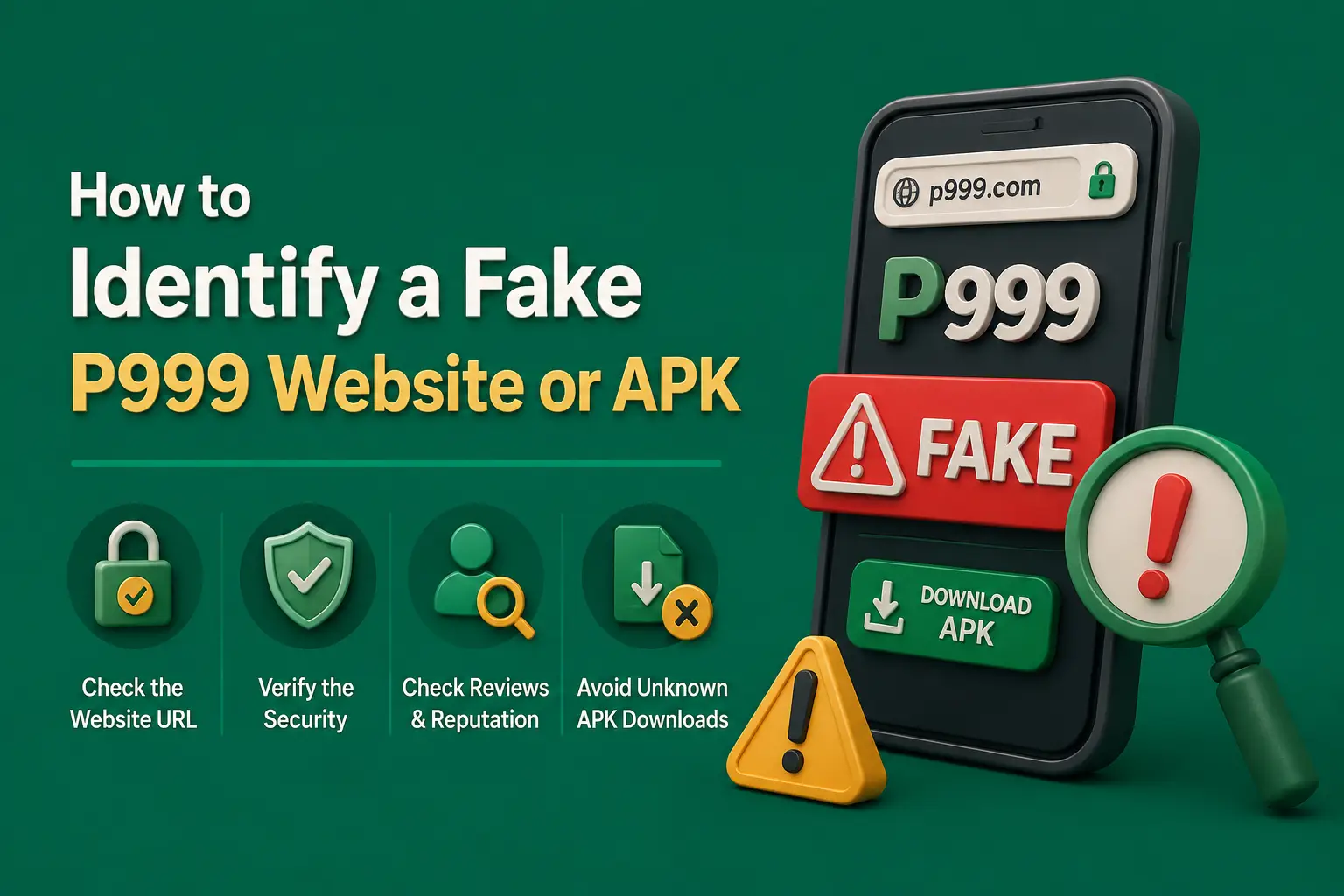
Multiple websites use the P999 name, logo and application screenshots. Some describe themselves as official while publishing different APK versions, file sizes, bonuses, payment methods and withdrawal limits.
These inconsistencies do not prove that every site is fake. They do mean that visitors should not trust a page based only on its domain name or design.
So when people ask whether the P999 game is real or fake, the more useful question is narrower: is this particular website or APK the genuine one? The checks below answer that.
How Can You Tell if a P999 Website or APK Is Fake?
A fake P999 website or APK usually reveals itself through a misspelled or changing domain, a download that redirects elsewhere, an APK labelled hacked or unlimited, broad permission requests, or agents asking for OTPs and deposits through chat. Compare the domain, publisher and payment details with the app you already use before entering anything.
Fake P999 Site and APK Quick Facts
| Item | Detail |
|---|---|
| Official domain list | Not published — check in the app you already use |
| Does HTTPS prove a site is real? | No — it only encrypts the connection |
| Expected Android file type | .apk, not ZIP or EXE |
| Built-in Android scan | Google Play Protect checks apps from Google Play and other sources |
| Support should never ask for | OTP, password, wallet PIN or remote access |
| Biggest red flags | Guaranteed income claims and hacked or unlimited versions |
| Last updated | October 2026 |
Key Takeaways
- Any website can call itself official; judge a P999 page by its full domain, publisher, payment details and support behaviour.
- An APK described as hacked, modded or unlimited is a common malware route and can get the account blocked.
- HTTPS encrypts the connection but does not prove the P999 website behind it is genuine.
- Genuine support never needs your OTP, password, wallet PIN or remote access to your phone.
- If you entered details on a suspicious site, change passwords, contact your wallet provider and run Play Protect straight away.
A copied website can look professional while collecting passwords, OTPs, identity documents or payments.
Check the Complete Domain Name
Read the address from beginning to end. Watch for:
- Additional letters
- Missing letters
- Extra hyphens
- Unusual subdomains
- Numbers replacing letters
- A different domain after selecting Download
- Shortened links
- Misspelled brand names
Save the verified address instead of searching for the login page every time.
Do Not Trust the Word “Official”
Any website can place the words official, verified or trusted in a title. Look for supporting evidence instead:
Identified operator
A named company or business behind the platform.
Consistent contact information
Support details that match across every official channel.
Clear legal pages
A readable privacy policy, terms and conditions and licence-registry link.
Matching APK publisher
A consistent APK publisher and consistent payment details.
Check Where the Download Button Leads
Move the pointer over the button on a computer or hold it on a phone to preview the destination. Be cautious when:
The download opens another domain
The link redirects to an unrelated site.
A ZIP or EXE is offered as an app
Android apps should be delivered as an .apk file, not a ZIP or EXE.
The page downloads several files
One button should not trigger multiple downloads.
The APK is described as hacked or unlimited
Modified APKs are a common malware delivery method.
Ads or forced installs appear
The browser opens repeated advertisements or forces disabling protection.
Google recommends obtaining Android applications through Google Play where possible. It also explains that Play Protect checks applications from Google Play and other sources for potentially harmful behaviour.
Inspect the APK Permissions
An application may request access to device features, but each permission should have a clear reason. Review access to:
- SMS
- Contacts
- Phone
- Camera
- Microphone
- Location
- Files
- Accessibility controls
Android allows permissions to be checked and changed from the application settings. Avoid an app that demands broad access before allowing basic login.
Look for Fake Support Behaviour
A fake P999 agent may contact you first through WhatsApp, Telegram, Facebook or SMS. Warning signs include requests for:
- OTP
- Password
- Wallet PIN
- Email password
- Screen sharing
- Remote-control software
- Identity documents through chat
- Deposit to activate support
- Fee to release a withdrawal
Microsoft describes phishing as an attempt to steal money or identity by persuading people to enter personal information on websites pretending to be legitimate.
Review Payment Details
Do not transfer money only because an agent sends a wallet number. Compare the details with the verified deposit section and check the recipient name, recipient number, amount, account reference, payment method and deposit instructions.
Stop when the recipient changes during the conversation without a clear in-account notice.
Examine Promotional Claims
A suspicious page may promise:
- Guaranteed daily income
- No possibility of loss
- Instant withdrawal every time
- Unlimited free balance
- Fixed winning method
- Permanent bonus
- Risk-free betting
- Secret hacked version
Real-money gaming can result in losses. A website presenting it as guaranteed income is withholding an important risk.
Check the Content Quality
Copied or unreliable pages often contain:
- Conflicting version numbers
- Different file sizes on the same page
- Broken legal pages
- Generic reviews
- Fake countdown timers
- Unsupported download counts
- Unverifiable licence logos
- Payment instructions copied from another brand
What to Do After Entering Details on a Suspicious Site
Act quickly
Take action as soon as you suspect a suspicious site or message:
- Change the P999 password.
- Change any reused password.
- Review payment details.
- Contact the wallet or bank if money was transferred.
- Remove the suspicious application.
- Review app permissions.
- Run Play Protect.
- Secure the registered SIM.
- Save screenshots and payment evidence.
- Ignore further messages from the fake agent.
Frequently Asked Questions
No reliable evidence confirms that every site or APK using the P999 name is genuine. Judge the specific website or file in front of you: check the domain, the APK publisher, the payment details and how support behaves.
Do not rely on a page calling itself official. Compare the full domain with the one shown inside the app you already use, check that it matches the APK publisher and payment details, and avoid links sent through chats or advertisements.
No. An APK described as hacked, modded or unlimited is a common way to deliver malware or steal login details, and it can also get an account blocked. Do not install one.
No. HTTPS encrypts the connection, but it does not confirm that every business claim is genuine.
Not necessarily. The source, publisher, package, permissions and scan results should be checked.
Do not share an OTP with support or an agent.
Not by itself, but unverified amounts and hidden withdrawal conditions are warning signs.
Contact the payment provider immediately and preserve the transaction evidence.
A fake P999 website can be reported through the browser's built-in report option for unsafe or deceptive sites and through Google's Safe Browsing report form. If money was sent, contact your wallet or bank straight away and keep screenshots, links and transaction IDs as evidence for any complaint.
A fake P999 APK can steal data if it is granted broad permissions such as SMS, contacts, files or accessibility controls. SMS access can expose OTPs, and accessibility access can read or control the screen. Uninstall a suspicious APK, revoke its permissions, run Play Protect and change any passwords you entered.
So many P999 websites exist because the name attracts search traffic, and anyone can register a similar domain, copy screenshots and add a download button. Some are guides, some are mirrors and some are scams. Many publish conflicting versions, bonuses and limits, so treat each site separately and verify details inside the app.
Conclusion
A fake P999 website may copy the real name, colours, screenshots and login form.
Check the complete domain, APK publisher, permissions, payment recipient and support behaviour before entering information. Never trust guaranteed-profit claims or requests for an OTP.
Related guides
Neighbouring problems that tend to arrive together.
P999 Game Download Play Store: Is the Real-Money App Really There?
Searching Google Play for P999 brings up same-name apps, but the real-money platform is unlikely to be one of them. Here is how to read a listing before you install it.
P999 Aviator Predictor: Why Signals and Predictor Apps Fail
No predictor app or signal group can tell you where the next Aviator round will stop. Here is how these schemes make money from players instead.
P999 Game Hack Download: What Hack and Mod APKs Really Do
A P999 hack or mod APK cannot change game results or your balance. What it can do is steal your login, OTPs and wallet access.